
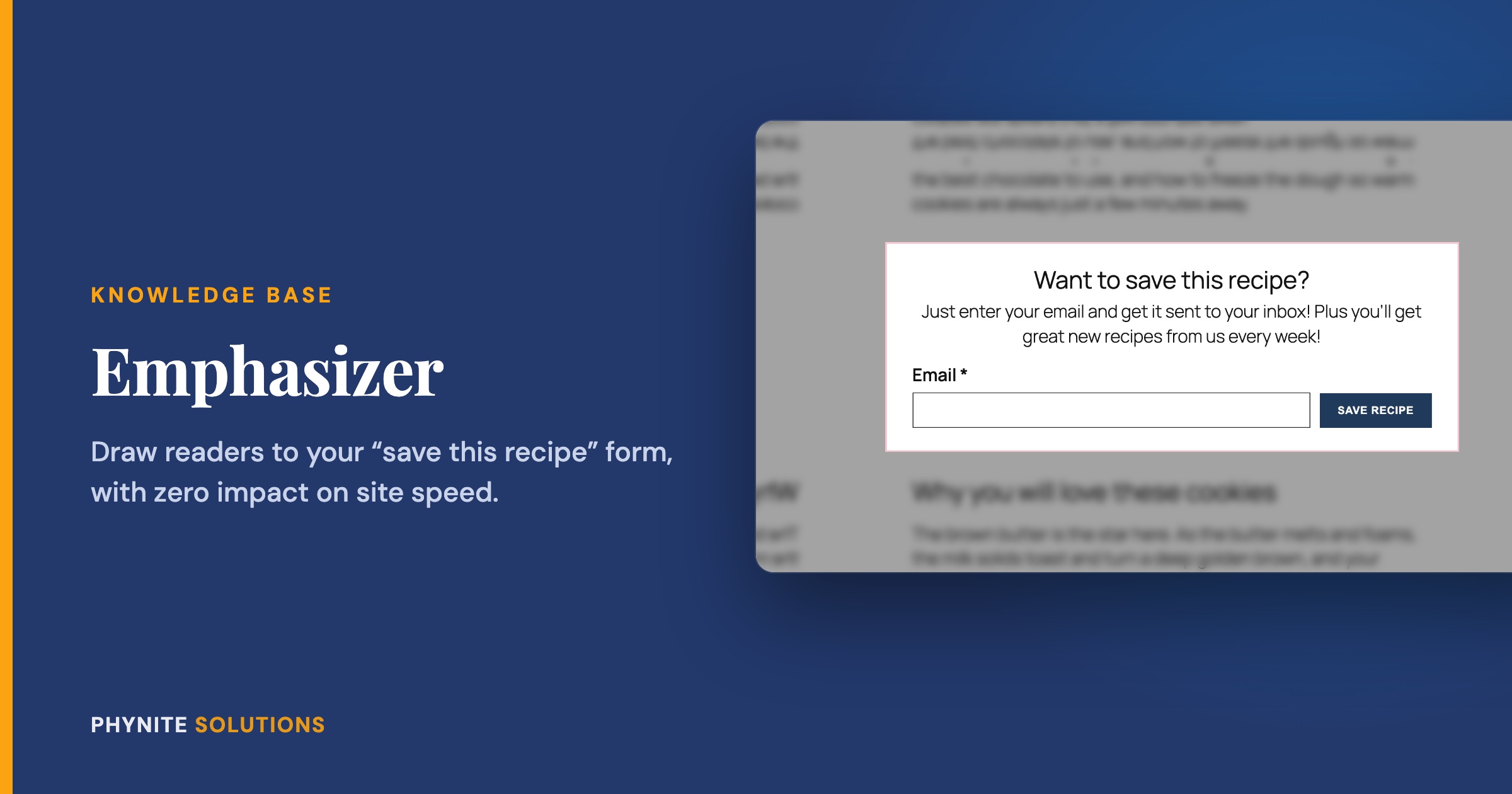
How to Get More Email Subscribers with Emphasizer
Overview
That “Want to save this recipe?” signup form in the middle of your posts is one of the best ways to grow your email list. But readers are busy scrolling toward the recipe, and it is easy for them to scroll right past it.
Emphasizer helps your form get noticed. The moment a reader scrolls to it, Emphasizer draws their attention to the form, briefly, and then gets out of the way. No pop-ups, nothing blocking the page, and nothing they have to close.
Built from a member’s request: Emphasizer started as a direct ask from one of our current Blog Care members. They generously agreed to let us share it with everyone, so every Blog Care member gets it too.
How It Works
Emphasizer finds your signup form automatically. When the form scrolls into view, it plays the effect you choose. As soon as the reader scrolls on, clicks away, or presses Escape, everything goes back to normal.
Choose your effect
- Dim the page: everything except your form fades into the background
- Blur + dim the page: the page softly blurs behind your form so it really stands out
- Glow around the form: a gentle, pulsing glow in your form’s button color, without covering anything
- Lift the form: your form rises slightly off the page with a soft shadow
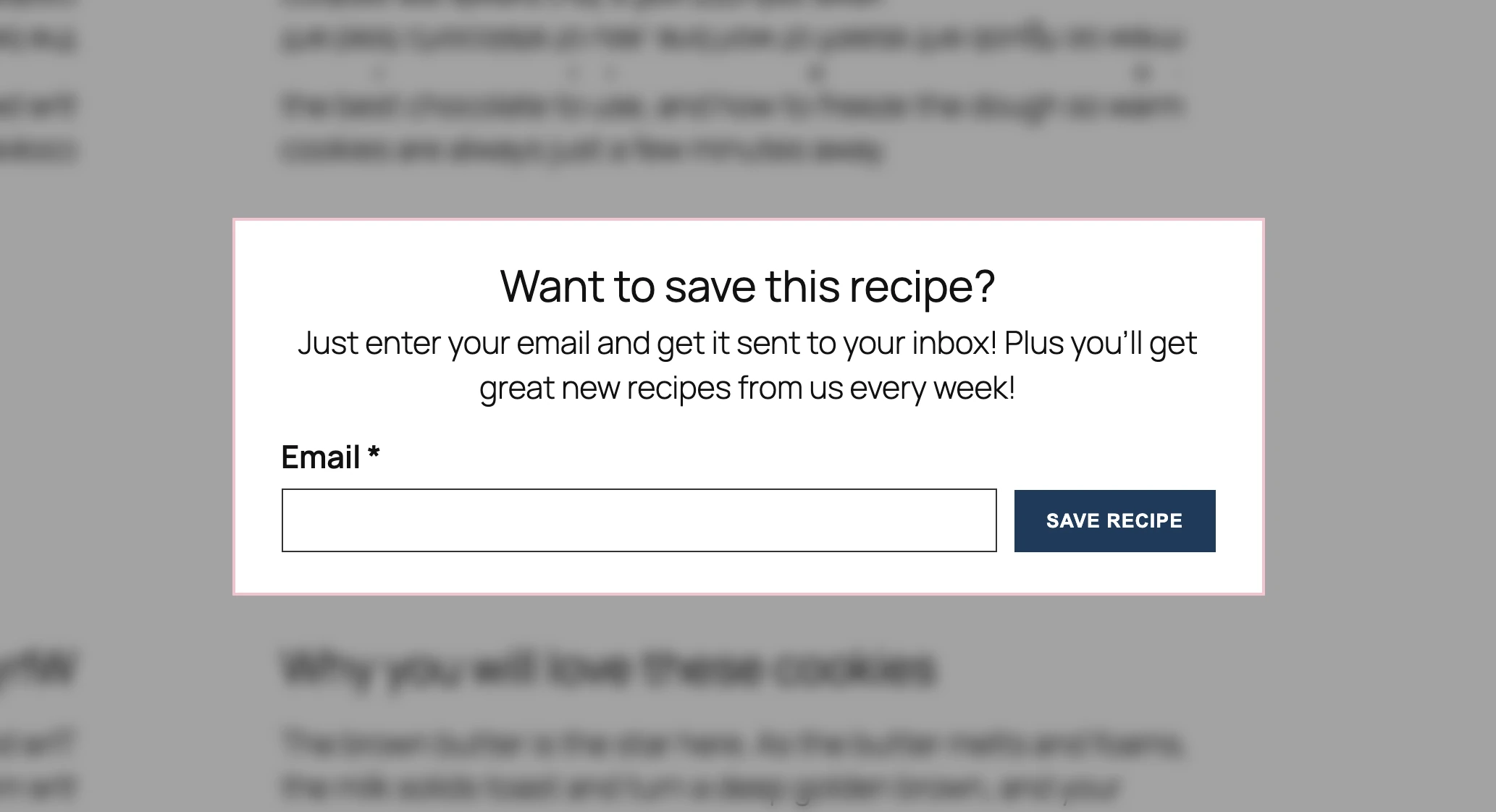
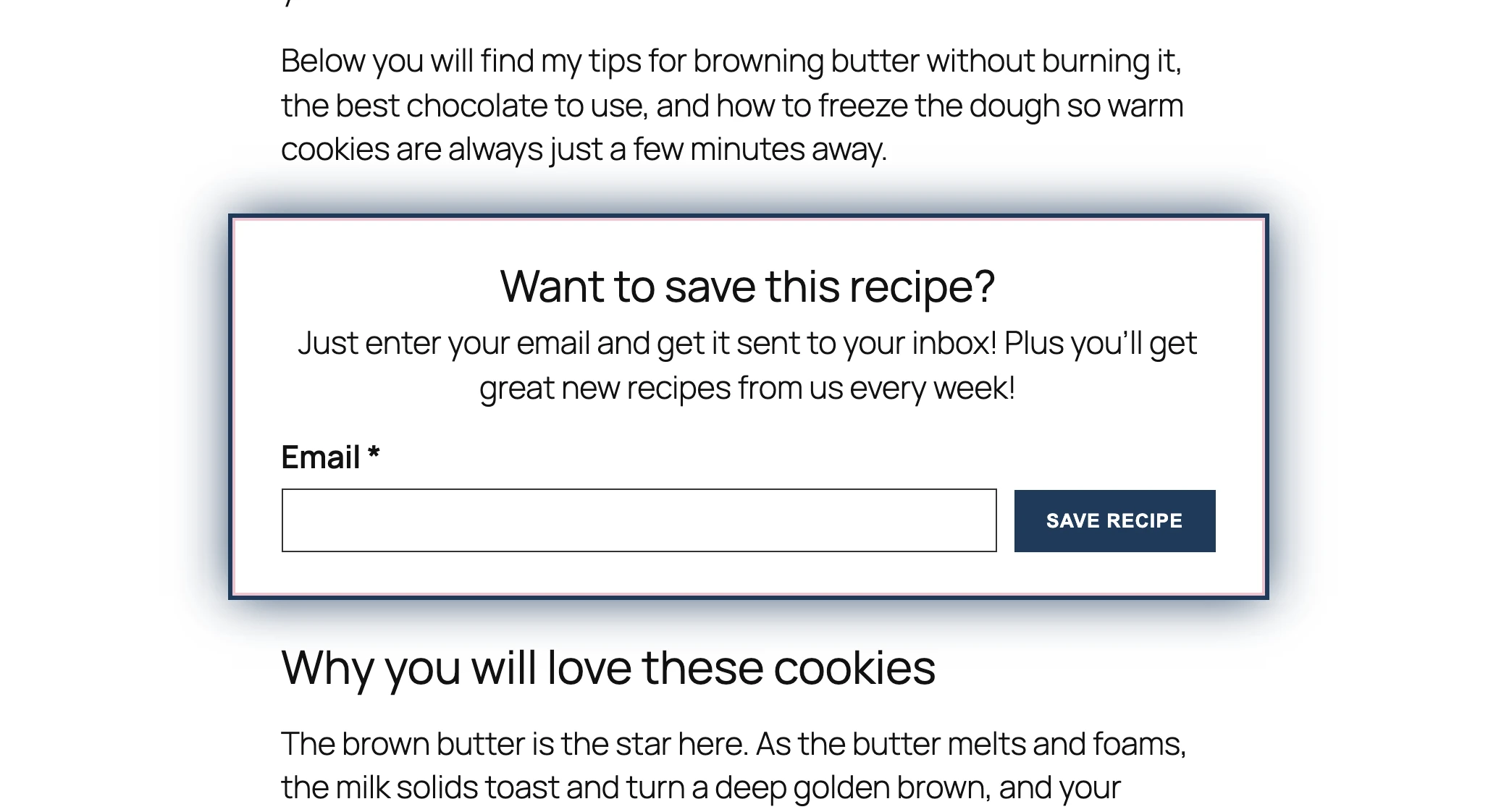
You can also turn on Nudge the button, which gives your signup button one small wiggle right after the effect starts, so the eye lands right where you want it.
Built to protect your site speed
We know how hard you work on your Core Web Vitals, so Emphasizer was built to leave them alone. It waits until your page has completely finished loading before it does anything, it never moves your content around, and its animations are handled by your reader’s device without slowing the page down. In our testing on a slower phone, Emphasizer had no measurable effect on Core Web Vitals.
Keep Up to Date
Get The Phynite Letter: news on our products and services, plus tips and tricks to keep your site running at its best.
Setting Up Emphasizer
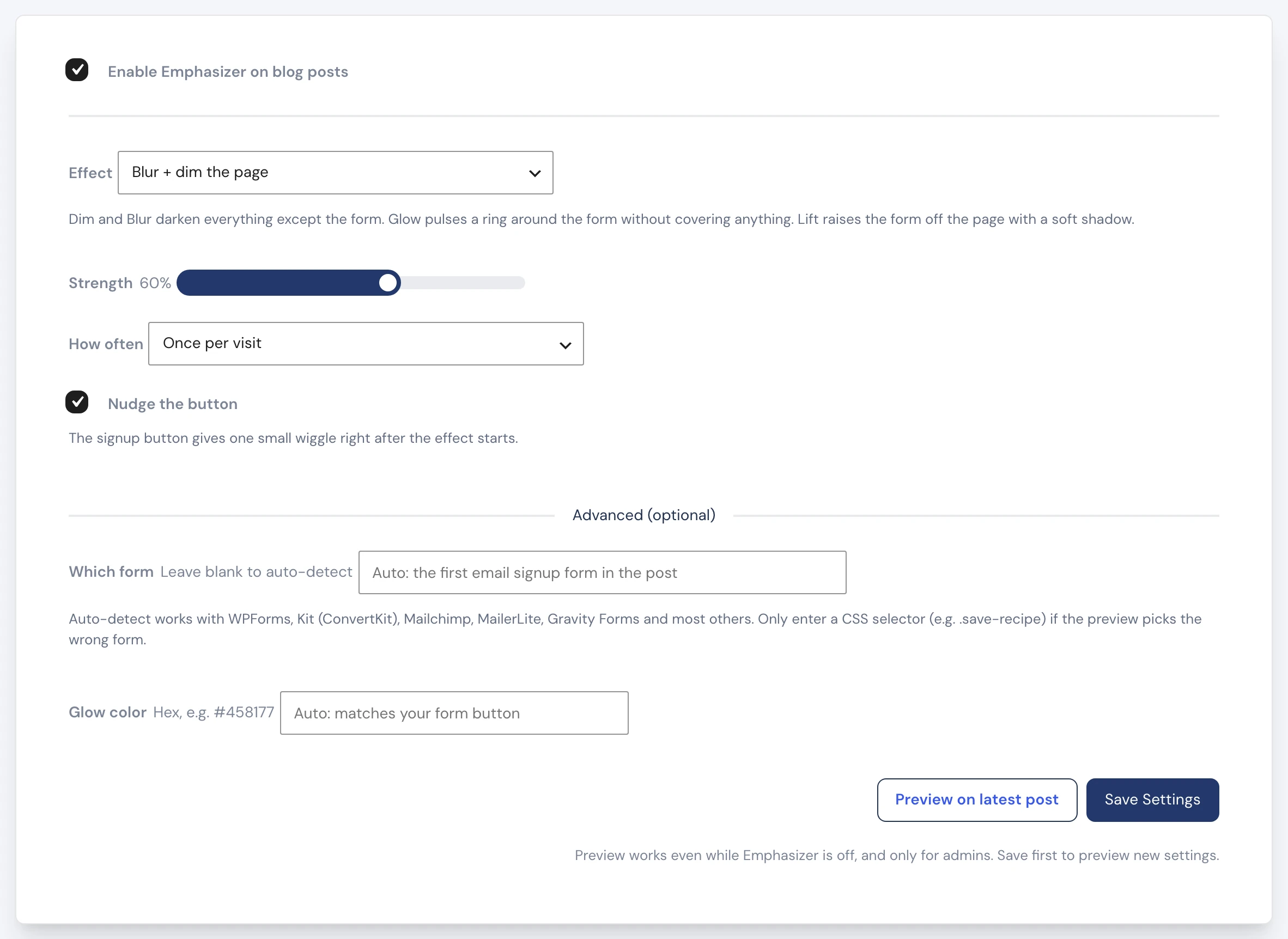
- In your WordPress dashboard, open Phynite Blog Care → Emphasizer
- Turn on Enable Emphasizer on blog posts
- Choose your Effect and how strong it should be
- Choose How often readers see it
- Click Save Settings
Preview before you turn it on
Click Preview on latest post to try it out. A small note at the bottom of the page tells you which form Emphasizer found. Scroll down to the form to see the effect. Previews only show for you, and they work even while Emphasizer is turned off, so you can get it just right first. Remember to save any changes before you preview.
How often should readers see it?
- Once per visit (recommended): readers see it on the first post they read, not on every page
- Once per day: even more subtle for readers who visit often
- Every post view: every time they reach your form
Tip: Readers who have turned on reduced motion on their phone or computer get a calmer version with no animation. Emphasizer respects that setting automatically.
Which Forms Does It Work With?
Emphasizer automatically finds the first email signup form inside your post. It works with WPForms, Kit (formerly ConvertKit), Mailchimp, MailerLite, Gravity Forms, and most other form tools. It ignores your comment form, sidebar forms, and pop-ups.
If the preview picks the wrong form, you can point Emphasizer at the right one under Advanced. Reach out to support and we will help you find the right setting.
Troubleshooting
The preview says no form was found
Make sure the post you are previewing has a signup form inside the post content. If it does and Emphasizer still cannot find it, contact support and we will set the form for you under Advanced.
I see two highlight effects
Some other tools, like Slickstream, have a highlight feature of their own. Turn that one off so readers only see one effect.
The effect does not appear for me
Emphasizer only shows once per visit by default. Open your post in a private or incognito window, or use Preview on latest post, which always shows it.
Frequently Asked Questions
No. It waits until your page has fully loaded and never moves your content, so it has no impact on your Core Web Vitals.
No. Nothing covers your content or needs to be closed. The effect fades away as soon as the reader scrolls on.
Yes. It works on phones, tablets, and computers.
Blog posts only. Your homepage and other pages are not affected.
Emphasizer is part of Phynite Blog Care, included with every Blog Care plan: Tiny Much, Medium Much, and Big Much.