
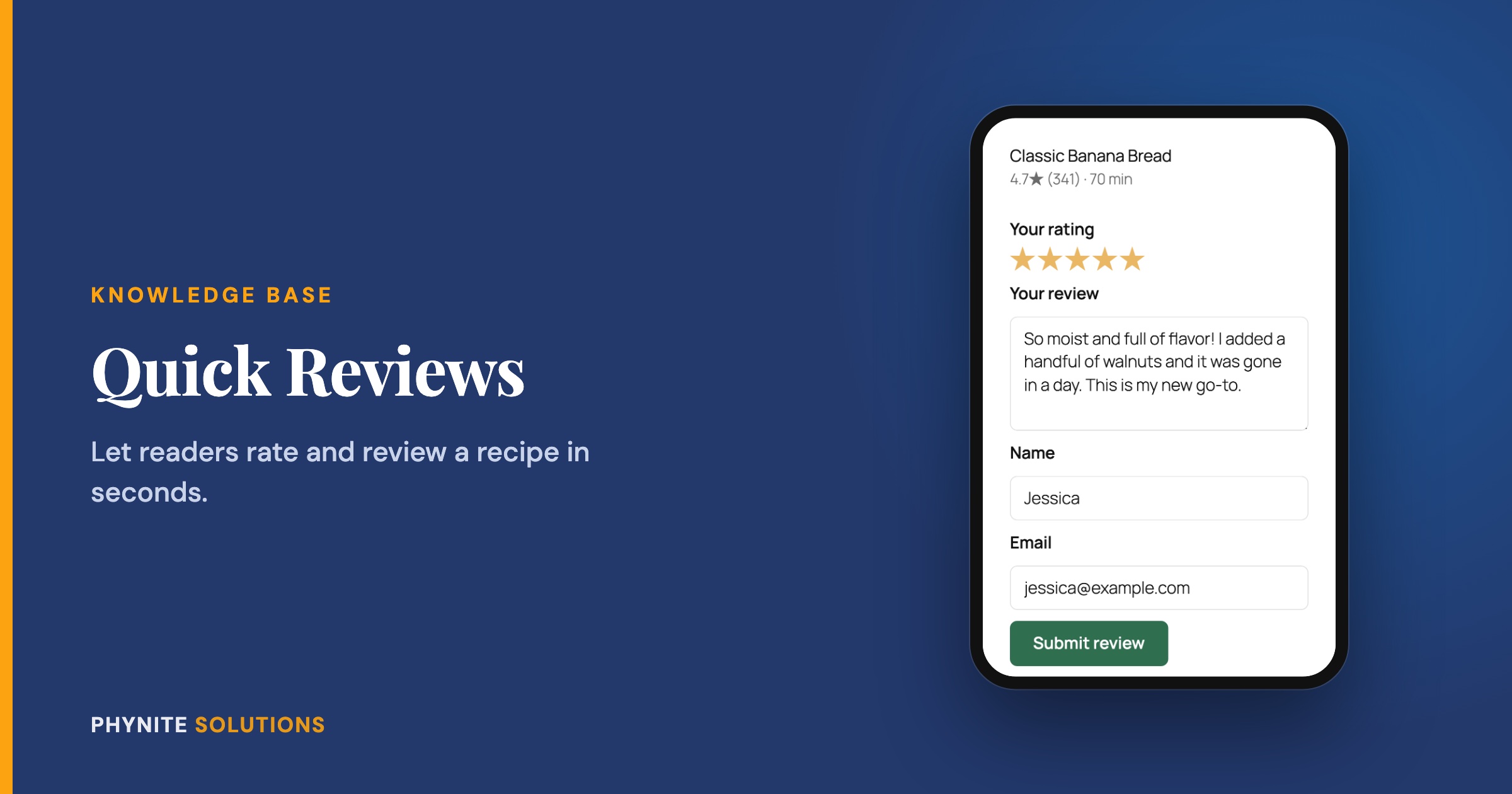
How to Get More Recipe Reviews with Quick Reviews
Overview
Reviews and star ratings help your recipes stand out in search, and they build trust with new readers. But asking for a review is hard. “Go to the post, scroll past everything to the recipe card, scroll down to the comments, then rate it” is a lot to ask of someone who just wants to tell you they loved your lasagna.
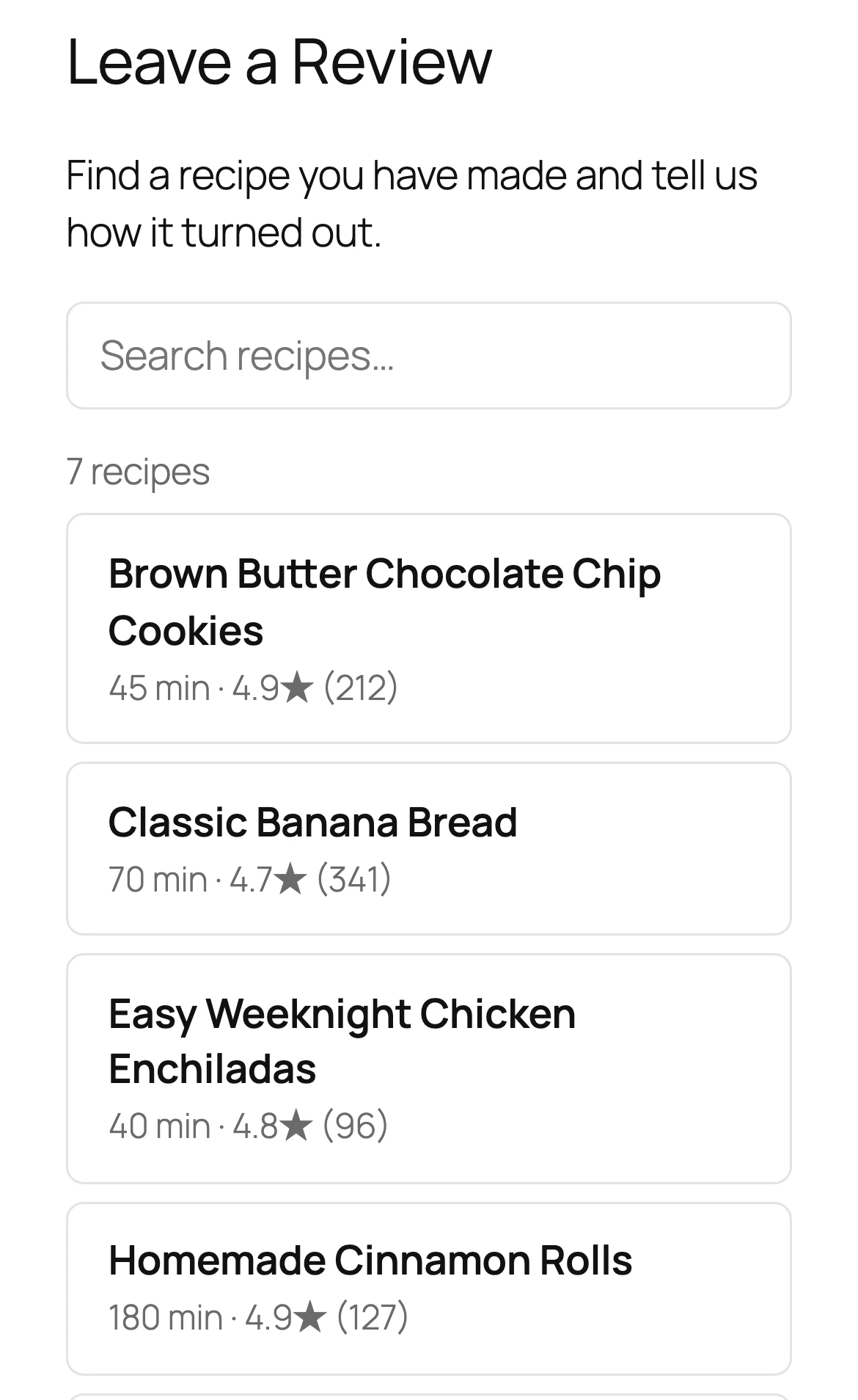
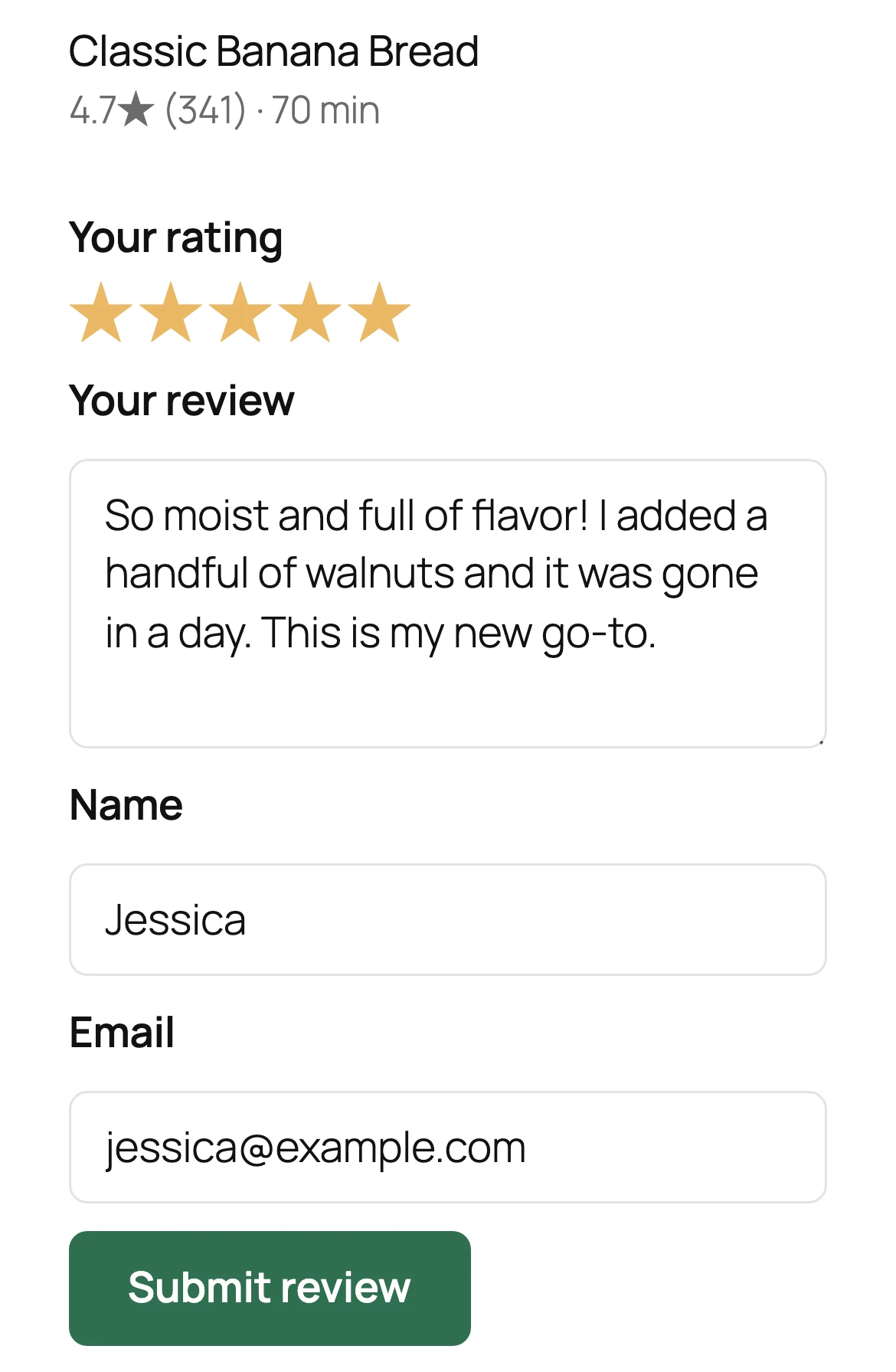
Quick Reviews makes it easy. It is a single page on your site where readers can find a recipe, tap a star rating, write a few words, and submit. That is it. You can link to it from Instagram stories, your newsletter, or anywhere else you talk with readers.
Built from a member’s request: Quick Reviews started as a direct ask from one of our current Blog Care members. They generously agreed to let us share it with everyone, so every Blog Care member gets it too.
How It Works
Quick Reviews is a front door to the review system you already have. Every review goes straight into WP Recipe Maker, exactly as if the reader had left it on the post. That means:
- Ratings count toward your recipe’s star average and show up in Google’s recipe results
- Reviews land in your normal WordPress comments, where you approve them like any other
- Your existing spam protection keeps working, with extra protection built in
- Readers see a clear confirmation, either that their review is posted or that it will appear once you approve it
Note: Quick Reviews currently works with WP Recipe Maker.
Setting Up Quick Reviews
- In your WordPress dashboard, open Phynite Blog Care → Quick Reviews
- Turn on Enable Quick Reviews and click Save Settings
- Create a new page, for example “Review a Recipe”
- Add the Quick Reviews block to the page
- Use the block settings in the sidebar to match your brand: colors, headings, the thank-you message, and layout
- Publish the page
Using a page builder or the classic editor? Add the shortcode [phynite_quick_reviews] to your page instead of the block.
Keep Up to Date
Get The Phynite Letter: news on our products and services, plus tips and tricks to keep your site running at its best.
Sharing a Link to a Specific Recipe
You can link readers straight to one recipe, already selected and ready to rate. This is perfect for an Instagram story about a single recipe, or a “How did it turn out?” email a few days after you share it.
On the Phynite Blog Care → Quick Reviews screen, pick a recipe and copy its share link. When a reader opens it, that recipe is already chosen. All they have to do is tap the stars.
Typical Use Cases
Instagram stories
Add a link sticker with a recipe’s share link and ask followers who made it to leave a quick rating.
Follow-up emails
A few days after featuring a recipe, send a short note asking how it turned out, with a link straight to the rating.
A permanent “Review a Recipe” page
Link it in your site menu, your footer, or your link-in-bio so readers can always find it.
Troubleshooting
The Quick Reviews screen warns you if any of these are set in Settings → Discussion, but here is what each one means.
Reviews are not going through
If “Users must be registered and logged in to comment” is turned on, readers cannot leave reviews unless they log in. Turn it off to accept reviews from everyone.
A recipe is missing from the list
Only recipes on published posts with comments open can be reviewed. If “Automatically close comments on posts older than…” is turned on, older recipes stop accepting reviews and drop off the list.
Readers are asked for their name and email
That is because “Comment author must fill out name and email” is turned on, which is the WordPress default. Quick Reviews includes both fields so reviews still go through.
Frequently Asked Questions
Yes. They go into WP Recipe Maker just like reviews left on the post, so they count toward your average and your recipe results in Google.
They follow your normal comment settings. If you approve comments before they appear, you approve these the same way.
Yes. Colors, headings, and messages can all be changed in the block settings.
Your existing spam protection, like Akismet, still applies, and Quick Reviews adds its own protection on top.
Quick Reviews is part of Phynite Blog Care, included with every Blog Care plan: Tiny Much, Medium Much, and Big Much.